
Learn step by step
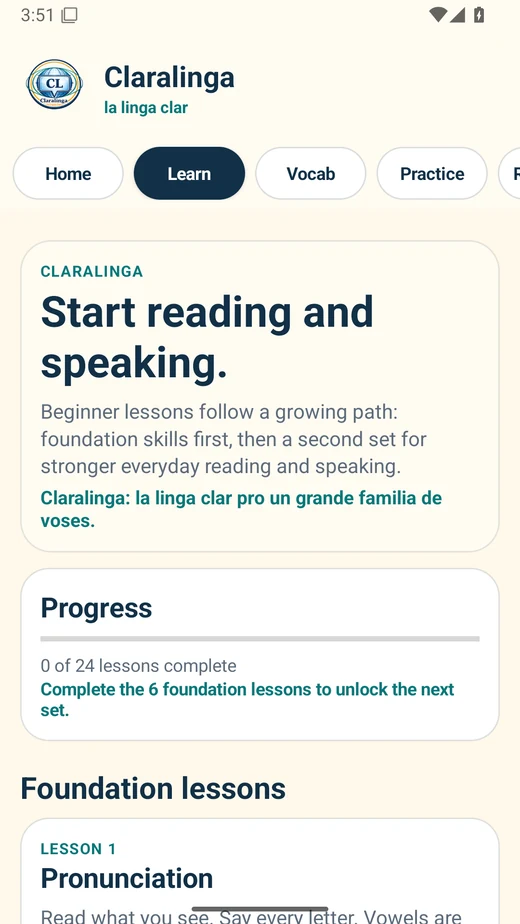
Foundation lessons introduce pronunciation, clear sentence structure, time markers, questions, negation, and first reading practice.
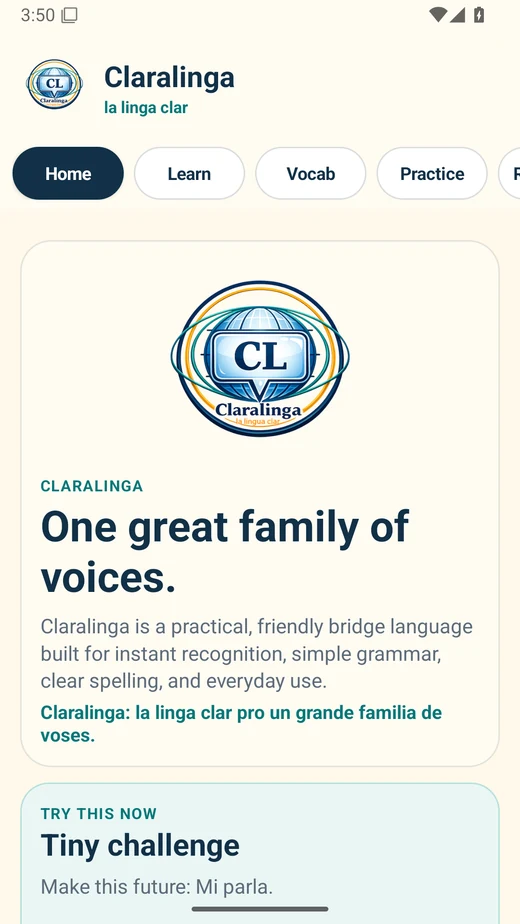
The Claralinga app gives learners a simple way to read, search, practice, quiz, and explore the language on an Android device.
Beta notice: This app is in testing. Features, wording, and lesson content may continue to improve as feedback comes in.
What is inside
The app mirrors the Claralinga learning path while adding quick practice tools for everyday study.
Foundation lessons introduce pronunciation, clear sentence structure, time markers, questions, negation, and first reading practice.
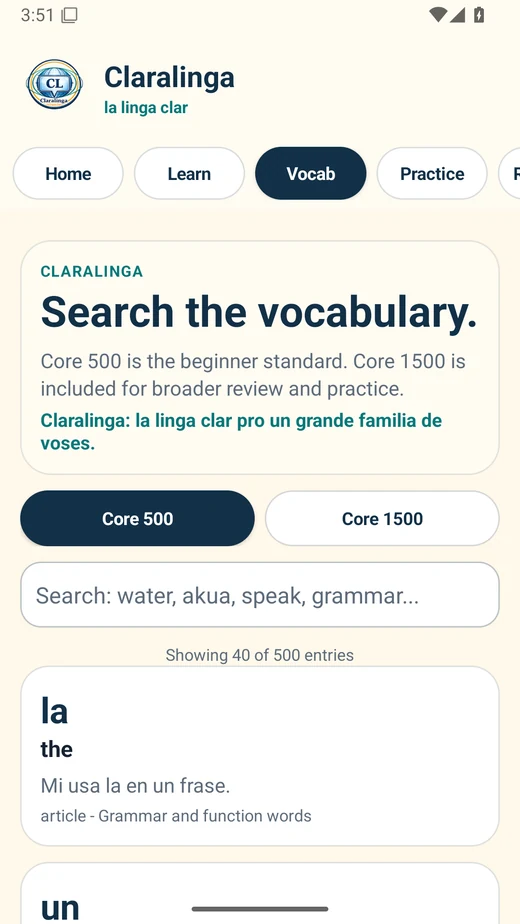
Browse Core 500 and Core 1500 entries, including Claralinga words, English meanings, types, categories, and example sentences.
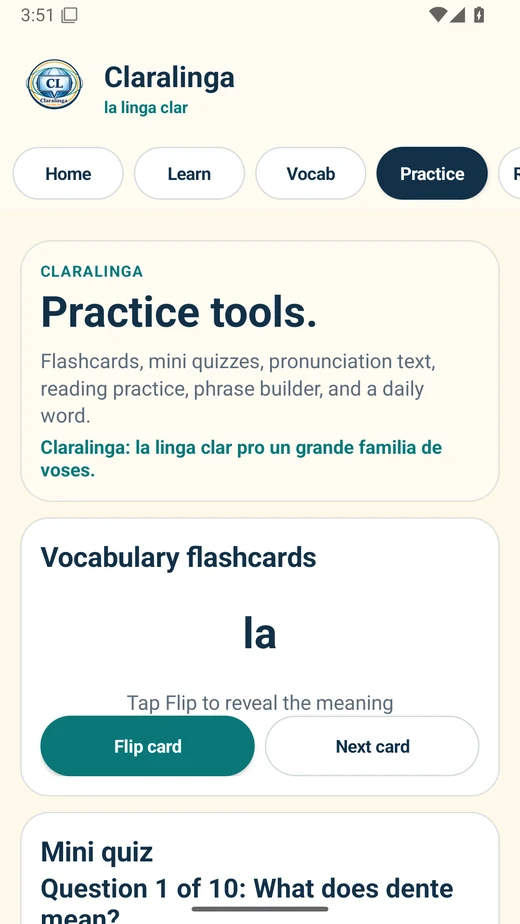
Use flashcards, mini quizzes, phrase building, and tap-to-reveal reading to make the language stick without needing a giant textbook open.
Screenshots
Here is the app in action across the main learner screens. Swipe sideways on mobile to preview without scrolling through a giant screenshot parade.
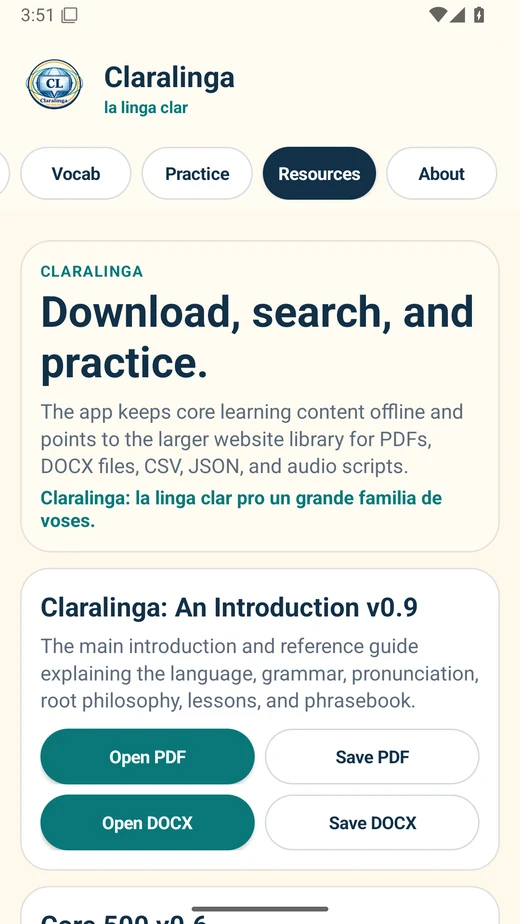
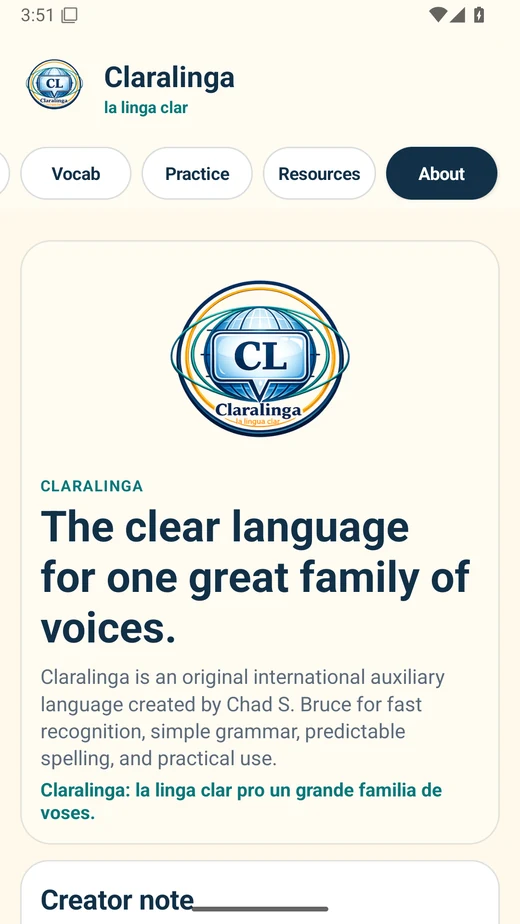
Android beta
The current beta is available as a direct Android APK download. Android may show a warning because this beta is installed outside the Play Store. That is normal for direct APK testing.
How to install
Found a typo, bug, or weird word? Good. That is what beta testing is for.
Send feedback so the app and the language can keep getting cleaner.